

SAP Documentation: Less effort. Faster preparation for go-live.
Speed up the preparation for your SAP implementation or your migration to SAP S/4HANA: With datango, you can capture your business processes using powerful SAP recognition technology and automatically generate documentation and training content from them. You can centrally manage reviews and approvals and implement process changes in a targeted manner. This takes the pressure off your project team and helps you prepare your employees for the new processes more quickly.
- Automate documentation and prepare training sessions faster
- Review and Approve Documentation Faster
- Implement SAP Changes in a Targeted Manner and Reduce Re-work

These companies rely on
the datango Performance Suite








Challenges
The go-live date is approaching. Is your SAP documentation ready?
When implementing SAP or migrating to SAP S/4HANA, new processes must be documented, coordinated with business stakeholders, and the staff trained on them. If documentation, testing, and training do not align in a timely manner, there will not be enough time for thorough preparation shortly before go-live.
Manual documentation ties up scarce project resources
From the ordering process to invoice verification, numerous procedures must be documented. Creating individual screenshots and describing work steps by hand ties up key users and project teams. If training materials are also created separately, the workload increases—and there is less time to prepare employees for the new SAP processes.
Unclear approvals are delaying the start of training
Business units, key users, and authors are working in parallel on new SAP processes. Inconsistent documentation and unclear responsibilities lead to follow-up questions and duplicate corrections. Until business approval is granted, the content cannot yet be reliably used for training and go-live preparation.
Changes made shortly before the go-live result in rework
New input fields, updated interfaces, or changes to workflows can quickly render existing instructions obsolete. If each file must be updated individually, the same change ties up resources multiple times. At the same time, employees should be able to practice using the current process in a timely manner.
Save Time on Your SAP Implementation
Talk to us about how you can reduce documentation efforts, streamline approvals, and deliver training content sooner. Together, we’ll explore how datango can ease the burden on your project team during implementation or migration and accelerate preparations for the go-live.
Document SAP processes faster. Prepare employees sooner.
With datango Creator and Collaborator, you can shorten the path from a recorded SAP process to an approved guide. You can use the same recording for training content and simulations. This reduces duplicate work and allows you to prepare your employees for the new processes sooner.
Automate the Documentation of SAP Processes and Prepare Training Sessions
The challenge
Anyone who documents SAP processes manually must record every step, attach screenshots, and explain the procedures clearly. If manuals and training materials are created separately, some of this work has to be done multiple times. This places a burden on the subject matter experts, whose knowledge is needed in many areas of the transition.
The datango Solution
datango Creator captures your clicks, keystrokes, and screenshots during process execution using powerful SAP recognition. From this recording, you can create documentation and training content with the click of a button. This reduces the need for manual data entry and repetitive processing. If needed, you can add explanations or edit the recording before exporting it.
You can use a recording to create step-by-step guides, quick guides, and process manuals. You can customize explanations, screenshots, and annotations to meet your needs and use style sheets to ensure a consistent layout. The output can be saved as a Word, PDF, PowerPoint, or HTML file, among other formats.
Related process documentation can be consolidated into a single central document—for example, as a reference guide for purchasing, sales, or finance. You can use this same documentation for training content and interactive simulations. This ensures that instructions and exercises are based on a common foundation, and your employees can familiarize themselves with the new SAP processes even before the go-live.
Learn more on our website: datango Applications

Review and Approve SAP Documentation Faster
The challenge
In an SAP project, various stakeholders contribute their expertise: Key users are familiar with the business processes, the IT team supports their implementation, and authors prepare the documentation. Without a shared version of the work in progress, follow-up questions and duplicate corrections waste valuable time. Business approval and the use of the content in training sessions are delayed.
The datango Solution
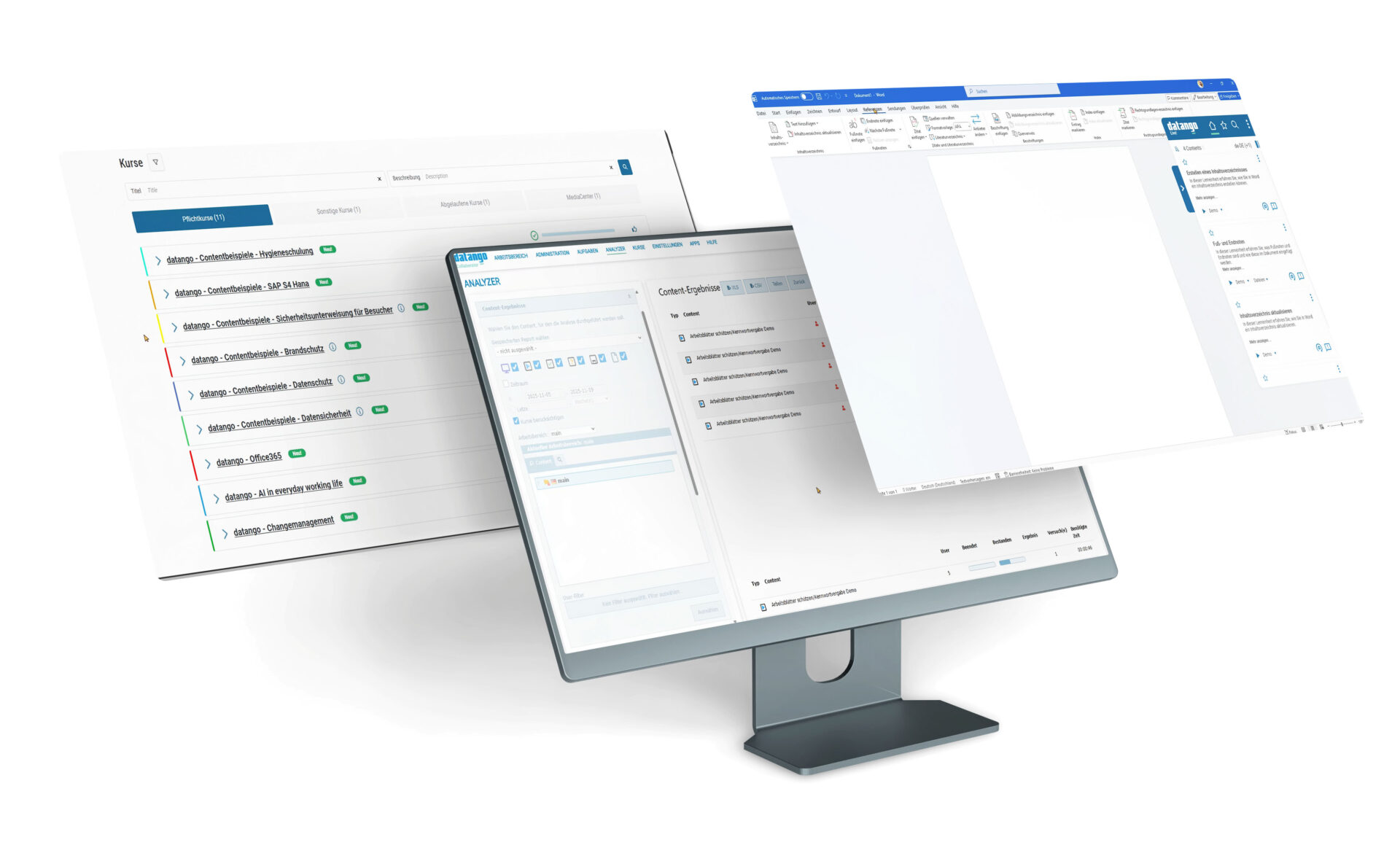
In datango Collaborator, you can centrally manage content and versions. Tasks, roles, and permissions help establish clear responsibilities for editing, reviews, and approvals. Stakeholders can see which content still needs to be reviewed and which has already been approved. This reduces the need for follow-up questions and speeds up the documentation approval process.
Authors and reviewers work from a shared content base. Tasks can be assigned, and progress can be tracked. Centralized version control helps you track changes throughout the project and manage different content versions in a controlled manner.
Technical review, editorial revision, and publication follow a standardized process. This ensures that you have everything in place to begin training sessions early on with coordinated content. Once approved, SAP guides are then available for onboarding and daily reference. Even when multiple departments and locations are involved, the documentation remains centrally organized.
Learn more on our website: datango IT Documentation
Implement SAP Changes with Less Follow-Up Work
The challenge
During implementation, the transition to SAP S/4HANA, and ongoing operations, user interfaces and processes change. A new field or a different order can affect multiple guides. If these are maintained independently of one another, the same change must be applied multiple times. There is little time for this, especially right before go-live.
The datango Solution
Using the re-recording feature in datango Creator, you can review existing recordings in the current SAP application and make targeted adjustments to the relevant steps. Process steps that are not affected remain unchanged. You can then use the revised source to regenerate the necessary documentation and training content.
You will recreate fundamentally redesigned workflows in the target system. You will guide updated and newly created content through the designated review and approval steps in Collaborator. This ensures that instructions and training materials remain up to date with the implemented processes throughout the SAP project and reduces repetitive maintenance work.
In addition, you can use your process recordings with the optional datango EasyTester for automated testing. This allows you to verify, following SAP changes, whether the recorded business processes continue to run correctly. Reports document the results and highlight which processes require further investigation. This reduces the need for recurring manual checks and helps ensure the success of your SAP migration.
How the datango Performance Suite Works
We help companies efficiently implement software and use it effectively over the long term. With the datango Performance Suite, we combine content creation, e-learning, in-app guidance, and process testing into a single, application-independent, integrated platform, and support employees through every phase of the software lifecycle—from implementation to day-to-day use in a work environment. Most recently, you can efficiently review processes and learning content with every release update, ensuring that applications, workflows, and provided content remain up-to-date and ready for use at all times.
1
Onboarding
Installations, Strategy Workshop, Training Sessions
2
Content Creation
Authors and/or subject matter experts document processes, and authors create universal training modules. The re-recording feature generates the required language versions with a single click.
3
Content Publication
The content is published via the MediaCenter, intranet, database, web links, datango Live!, or in the form of courses in the Academy or a third-party LMS.
4
Content Usage
The content is used as part of onboarding, e-learning courses, upskilling and reskilling initiatives, or accessed directly within applications or work processes for real-time support.
5
User & Content Data Analysis
The datango Analyzer provides personalized or anonymized insights into learning progress as well as potential weaknesses in the learning content and in the live system. Learners can provide feedback after completing a learning unit. This feedback is analyzed to optimize the learning units.
6
Updates & Releases – Process Testing
Once processes have been recorded, datango documentation can also be used to automatically test and validate processes following a new release or update. A test report shows which processes continue to run error-free and where there are discrepancies that require correction. This minimizes the effort required for manual testing and ensures that documentation is always up to date.
datango's Digital Adoption Platform, bundled into a single suite
Authoring and Documentation Solution
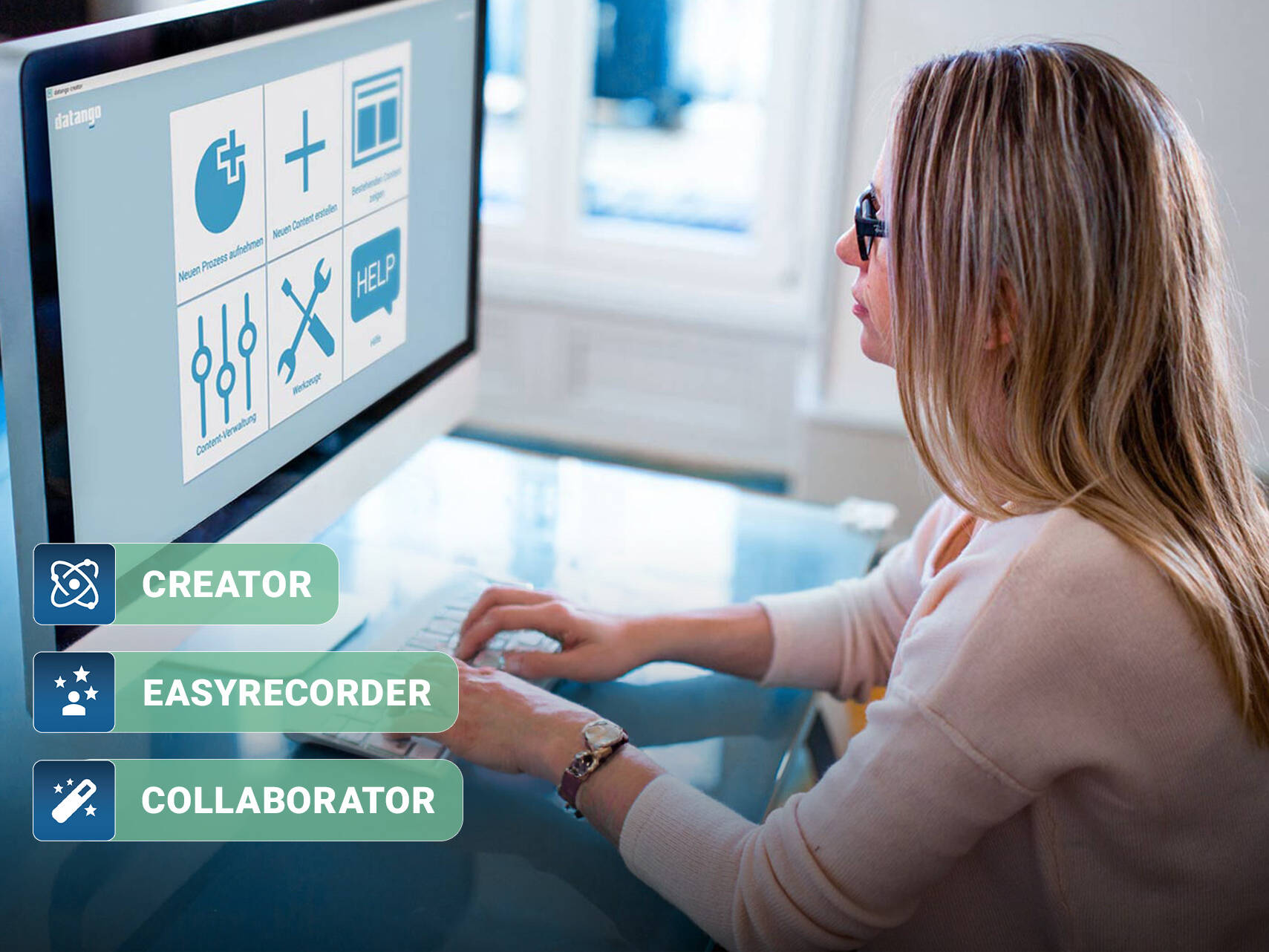
An authoring tool for professionals, a plug-and-play content recorder for everyone, and a central content hub. While datango Creator and EasyRecorder enable content creation and process recording, Collaborator serves as a central control center for content management, governance, and delivery. It combines access control, version control, and workflow automation.
In addition, the Collaborator enables seamless collaboration between authors, trainers, subject matter experts (SMEs), and reviewers through integrated workflow and task management features. Teams can assign tasks, manage reviews and approvals, track development progress, and maintain standardized publishing processes across multiple projects.
Learning Management System
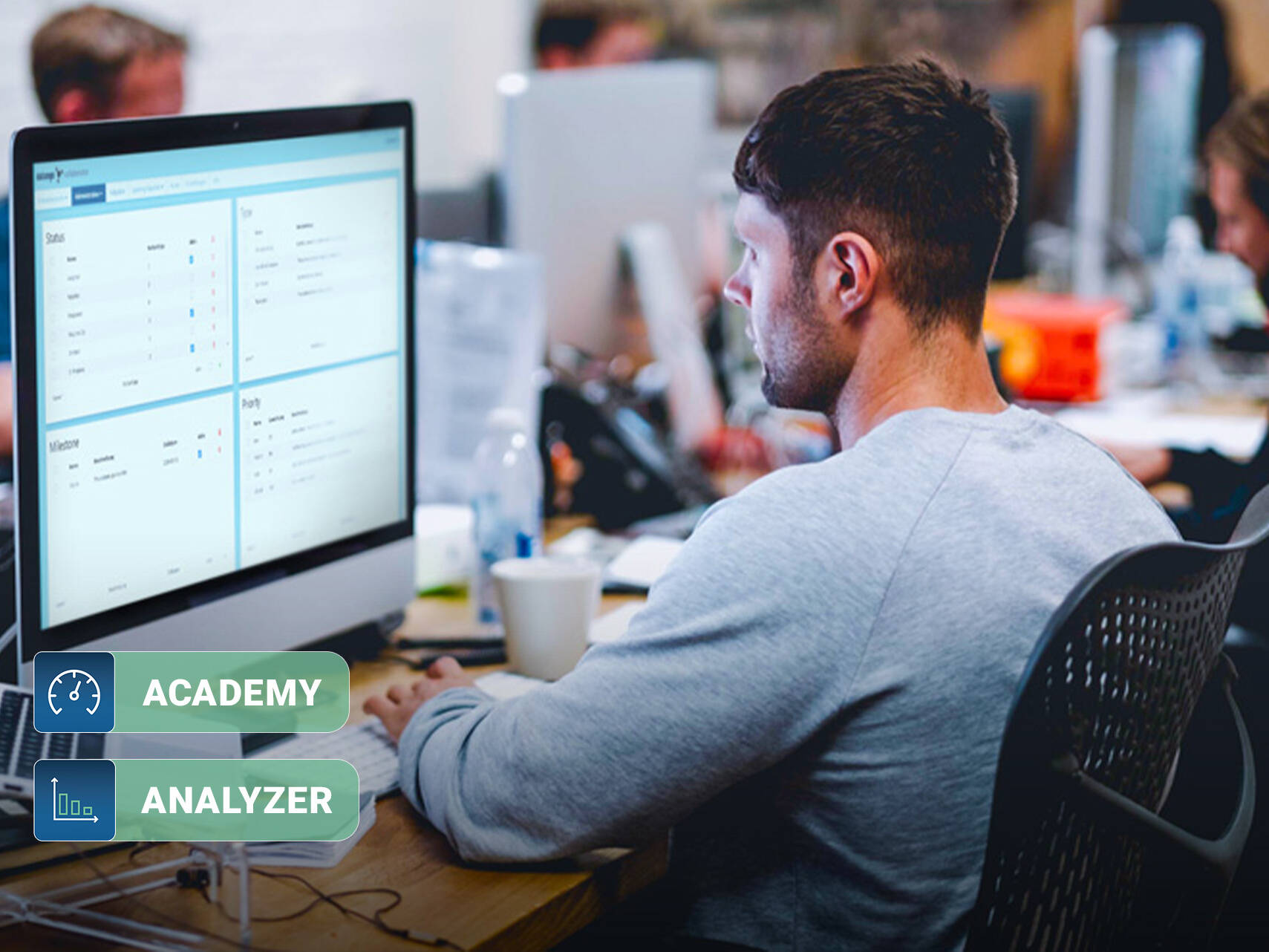
The datango Academy is a streamlined LMS that focuses on essential features. Provide users with targeted learning content, such as courses. Users can view their progress on the dashboard at any time and complete each course whenever they have time. Upon successful completion of a course, a certificate can be issued upon request as proof of completion, which users can download.
The datango Analyzer provides personalized or anonymized insights into learning progress as well as potential weaknesses in your learning content and in the live system. Learners can provide feedback after completing a learning module. Evaluate this feedback to optimize the learning modules.
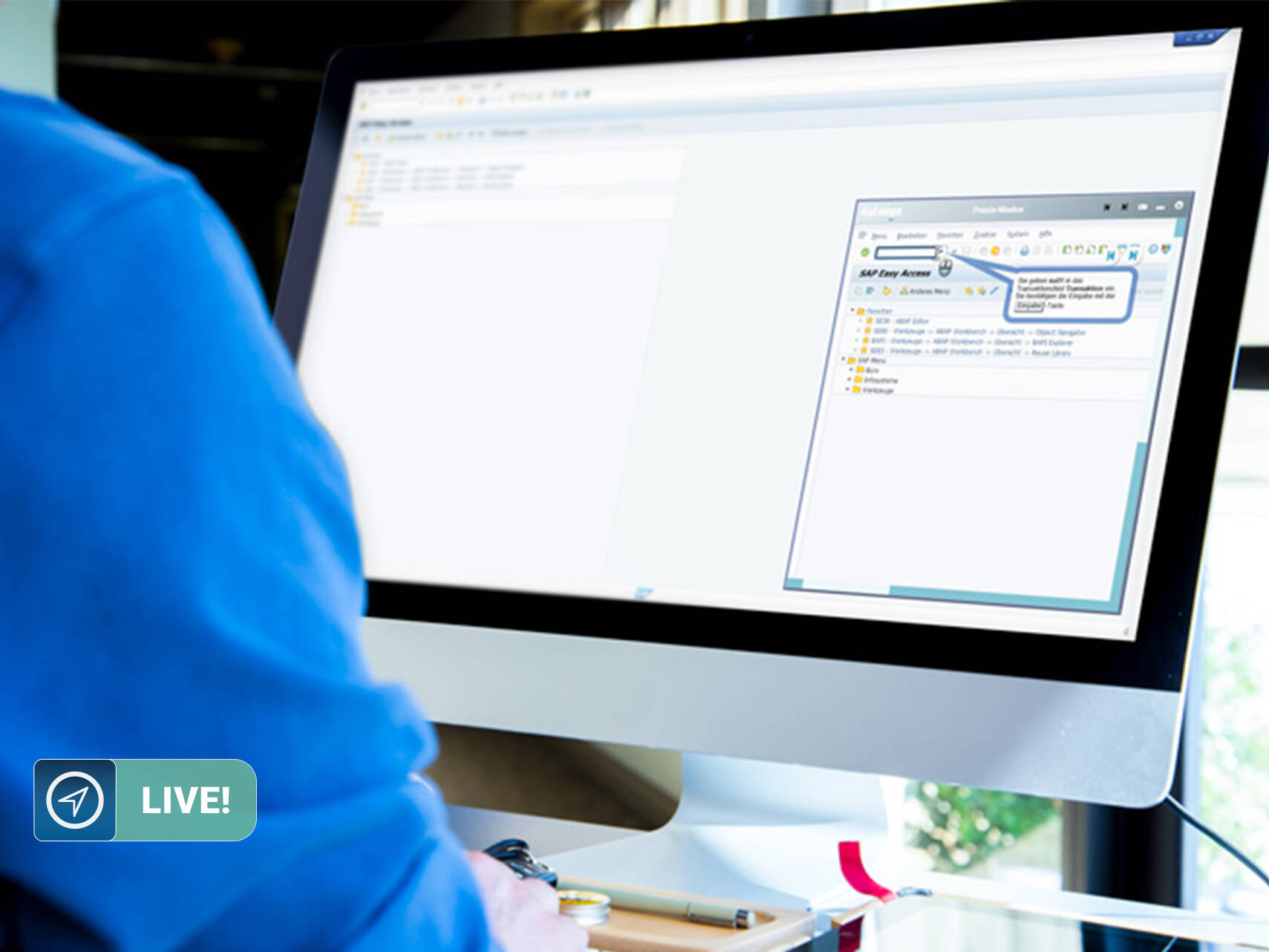
Application-Specific Live Help
Our application-aware user assistance detects in real time which application is being used and automatically provides end users with relevant learning content, documentation, live help, and simulations. datango Live! is an online support software that delivers documentation, simulations, and live help directly within work processes, ensuring that the learning content you’ve created is actually used. Your end users can always play the appropriate learning sequence, allowing them to receive relevant help the moment they need it.
Process Testing
With datango EasyTester, you can automatically test and validate your processes based on content after every release or update. A test report immediately shows which processes continue to run error-free and where improvements are needed—manual testing efforts are reduced, and your documentation remains up to date at all times.
datango EasyTester: Test. Detect. Validate.
What Our Customers Say
“datango is a win-win for both sides: It enables us to capture and deliver high-quality knowledge. This allows us to ensure first-class knowledge transfer, enabling our employees to learn at their own pace.”
Sabrina Donner
Head of the Digitalization Division and Information Security Officer, Lüchow-Dannenberg District

“datango has fostered a high level of acceptance among the majority of users for self-directed learning and acquiring basic knowledge on their own. On the authors’ side, there was a reduction in the workload associated with content creation, but also a new level of responsibility and high motivation, as the improved quality of the content enhanced the value for users. Overall, datango itself is very well received and fosters greater acceptance of change among everyone—I have never experienced this to such an extent with any other change initiative before.”
Sebastian Gronschel
Project Manager, Lotus GmbH & Co. KG

"Since switching from SAP Enable Now to datango, everything has improved — the system is stable, the support is first-class, the interface is user-friendly, and we have finally established a functioning author network. Without datango, our knowledge management would not be where it is today."
Duc-Vinh Nguyen
Master Author & Project Manager, Die Mitteldeutsche Verlags- und Druckhaus GmbH (MVD)
Less Effort for Your SAP Documentation—Experience It Live
Watch a 30-minute online demo to learn how to record SAP workflows, create documentation and training content from them, and implement changes in a targeted manner. See how datango reduces repetitive manual work and helps prepare your employees for new SAP processes.
Do you have any questions?
Please feel free to contact our team.
FAQs
With datango, you can document user interactions and workflows in SAP ERP and SAP S/4HANA—for example, in Purchasing, Sales, Finance, or Production. You can capture workflows in both SAP GUI and SAP Fiori. Using these recordings, you can create step-by-step guides, process manuals, and training materials, among other things.
You can export your documentation as Word, PDF, PowerPoint, or HTML files. Style sheets ensure a consistent appearance. Related process documentation can also be combined into a single central document. This allows you to provide individual instructions or more comprehensive reference guides.
datango reduces the effort required for documentation and training preparation: You can create instructions and learning materials based on a common foundation using recorded target processes. In Collaborator, you can organize the review and approval process. You can implement changes to individual steps by re-recording them; for processes that have been fundamentally redesigned, you can re-record them in the target system. This reduces the workload on the project team and allows you to prepare employees for the new processes sooner.
Yes. With datango, you can create language versions of your content in over 40 languages. In Collaborator, you can organize collaboration and centrally manage your documentation across projects and locations. Roles and permissions help you define responsibilities for editing, technical review, and deployment.
Yes. You can also use the same process recording to create e-learning content and interactive simulations. Employees can view SAP processes in demo mode, practice with guidance in practice mode, and work through them independently in a simulation in test mode. With Journeys, you can link the recordings to additional explanations, graphics, videos, and quizzes. The optional SmartQuiz helps you create appropriate multiple-choice questions for your Journeys using AI.